
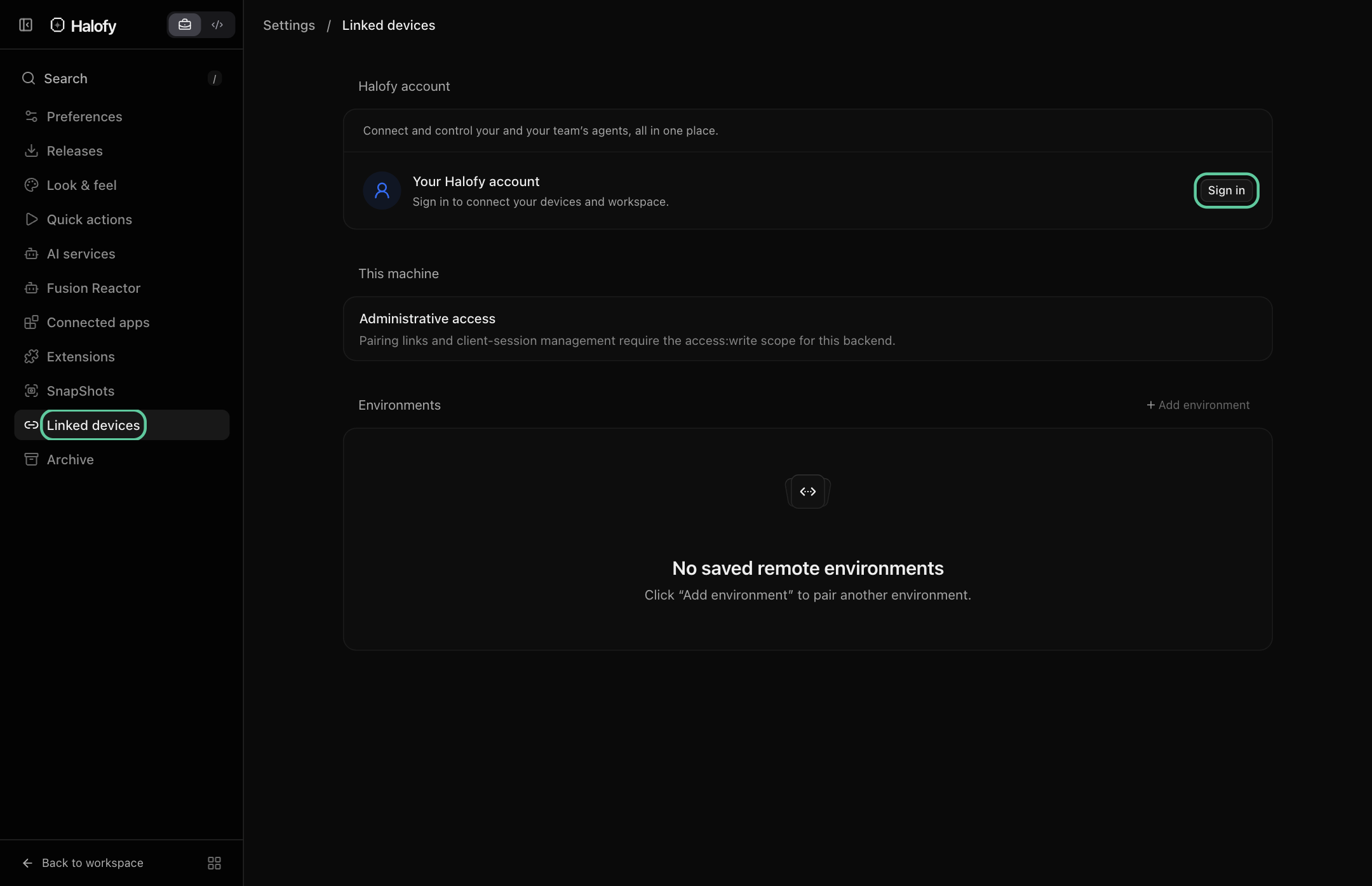
011. Sign in to your Halofy account#
Open Settings → Linked devices → Halofy account. Sign in with the verified email used for your Console workspace, then select the workspace or team for your work.
02Use your workspace guidance#
New conversations receive the skills, instructions and policies assigned to their scope. You can work in a personal workspace or an organization team. Your provider still determines which tools and permissions it supports.
03Choose what reaches the Console#
Activity sharing is optional and controlled separately from sign-in. When enabled, supported new conversations can inform Console memory and power-user signals. Your account connection alone does not upload conversations.
04Context delivery and activity sharing are separate#
Your Console workspace supplies reusable skills, instructions, policies and knowledge references for the selected scope. New team conversations receive that configuration; older conversations do not automatically become newly configured sessions. Provider capabilities still determine how an agent can use the guidance.
Activity sharing is the return path. When enabled, supported new conversations can be captured so the Console can show session evidence and learning signals. Receiving a policy does not prove that the conversation was captured or that the agent followed it.
05Use the same loop on your own or together#
In a personal workspace, build a collection of practices for your own agents. In an organization, work within the team whose guidance and memory the task needs. Shared practices can improve future work without making every team’s private context available to everyone.
Existing team conversations remain tied to their team when you sign out. If access checks pause a conversation, restore the account and workspace access before continuing. Conversations started while signed out run independently.