
01Work with a page in the in-app browser#
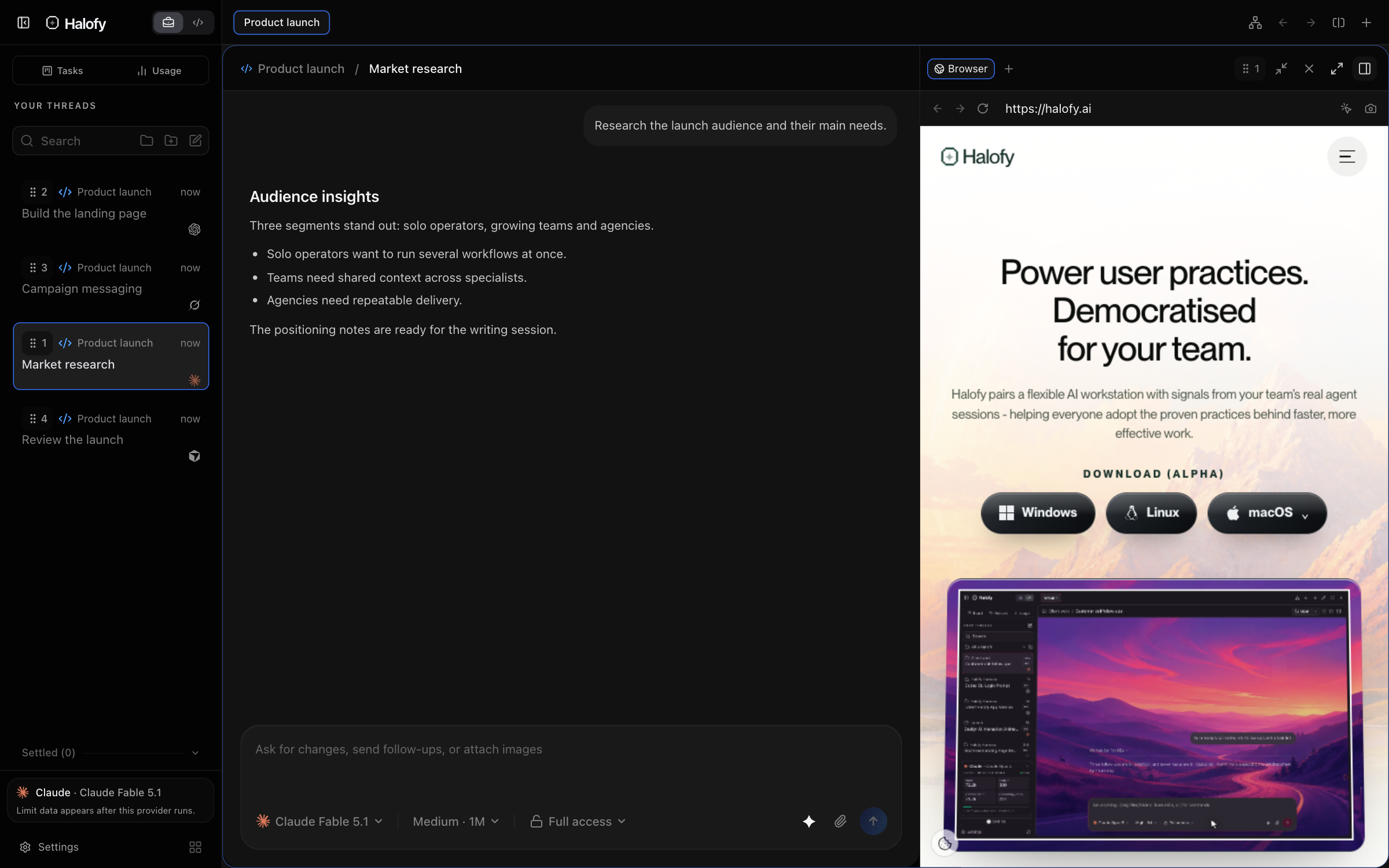
Open Browser from a session’s side panel in the desktop app. Use it for a local app preview, a website you are working with or a page your agent needs to inspect. The page stays beside the conversation.
Select a page element to attach a precise annotation to your message. Screenshots and recordings capture what you see; viewport controls help check layouts at different sizes. Agents with browser tools can inspect and operate the same tab.
02Sketch in Excalidraw and send it to the session#
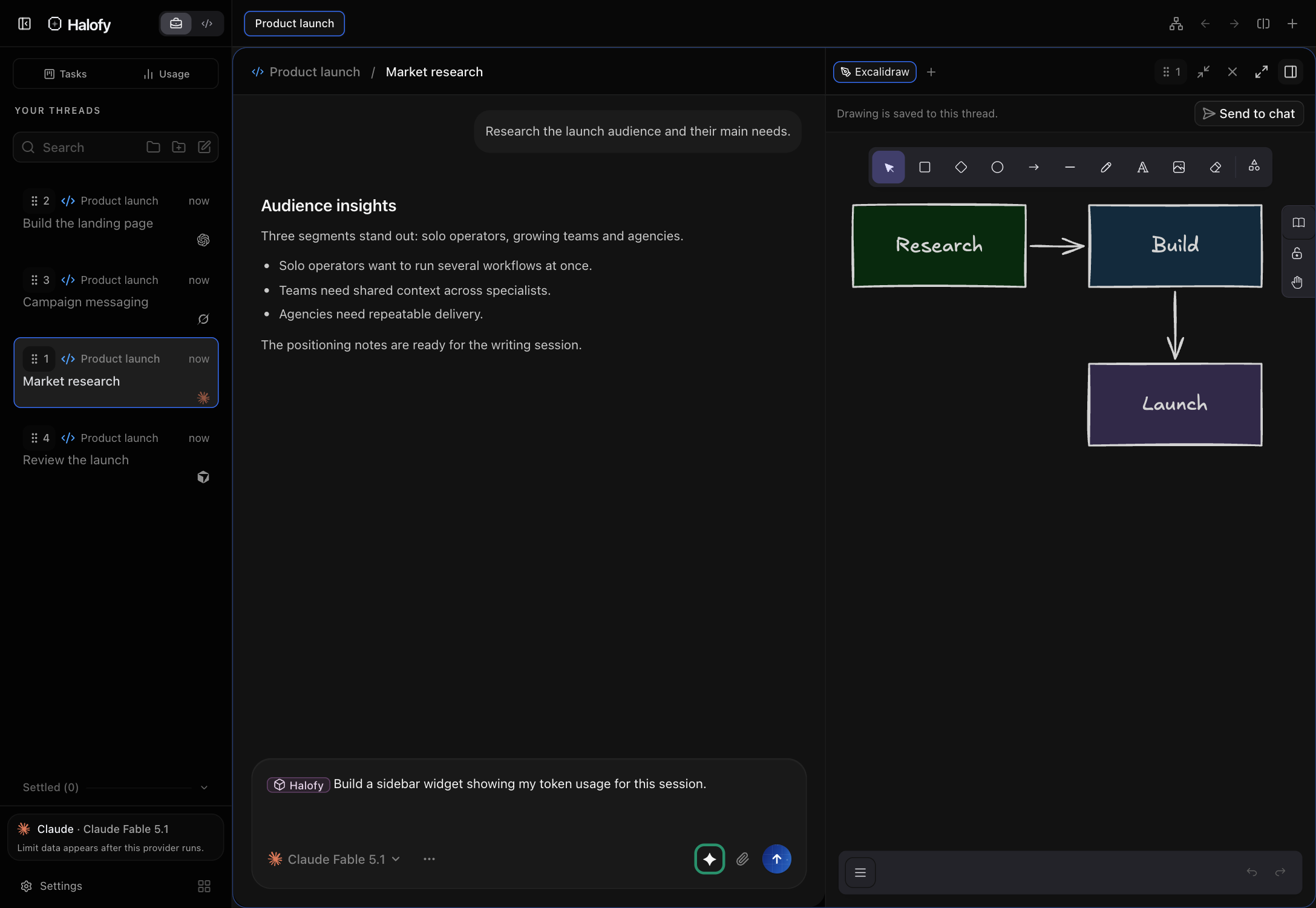
Open Excalidraw in the side panel to draw a flow, wireframe or layout. The drawing is saved to that thread. Use Send to chat to attach the sketch to the conversation.
A sketch gives your agent the spatial or structural idea directly, while you keep the drawing and the discussion together.
03Keep the supporting tools close#
The side-panel launcher gives you the available surfaces for the current session. Open files and delivered artifacts beside the conversation, and follow delegated work in Agents. Code view adds terminal, diff and pull-request tools; device tools support connected simulators and emulators.
The main sidebar keeps sessions, Tasks, Usage and custom widgets accessible. You can move between a task, its conversation and the page or file it produces without rebuilding the context in another app.