
01Build your ability to get more done#
An AI power user uses AI effectively to accomplish the work of many. The Console helps you build that ability: learn from captured sessions, keep useful context and turn effective practices into reusable guidance (skills, policies, instructions). Use it for yourself or with a team.
02Explore the capabilities#
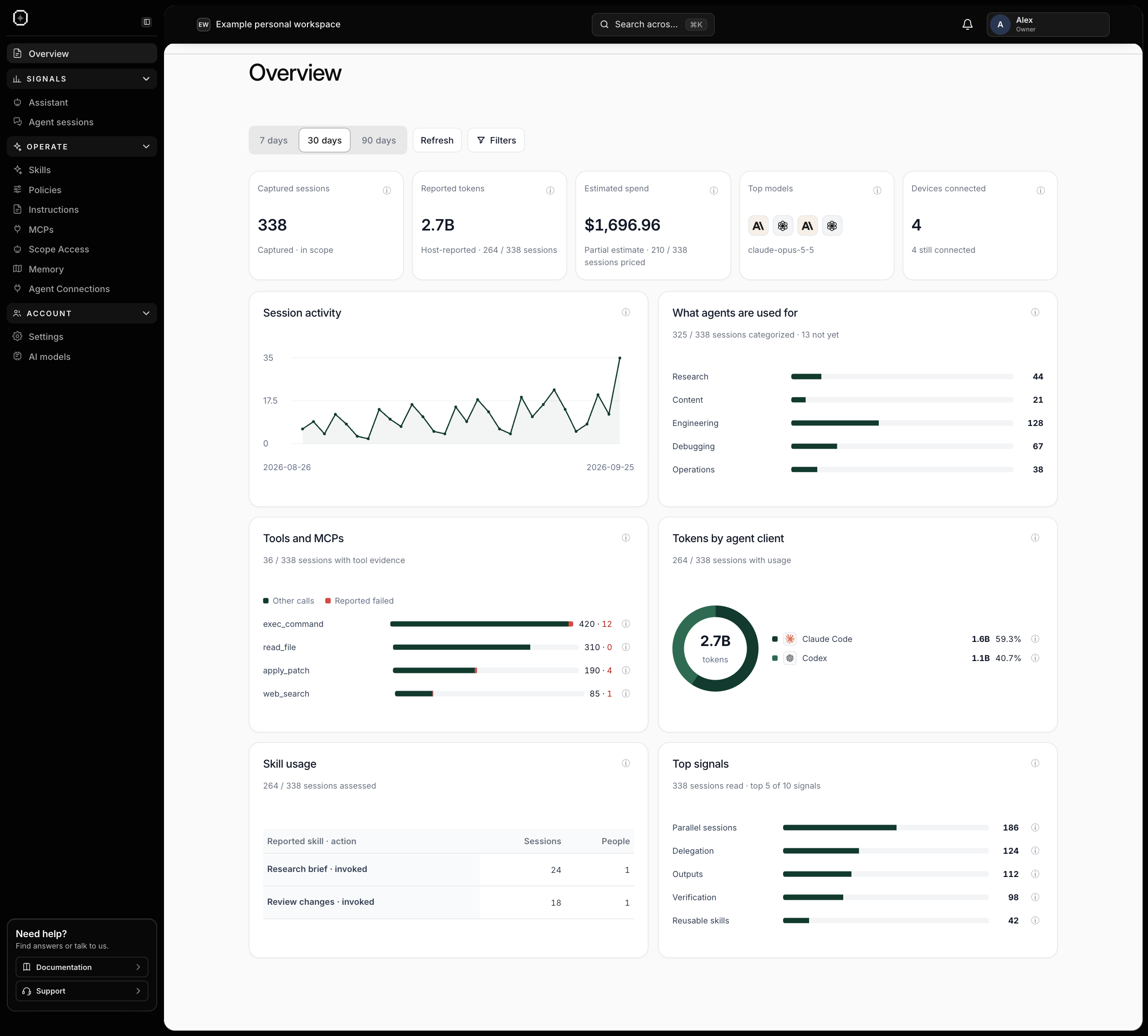
- See what works: review captured activity and power-user signals, with evidence behind the findings. Signals and sessions.
- Share a way of working: set skills, instructions, policies and MCP permissions once for connected agents. Shared guidance.
- Keep context: let connected agents use scoped memory and ask the Assistant about what you can access. Memory and Assistant.
- Scope shared context: give agents team-scoped badges and bring people together around relevant memory. Scoped access.
- Connect your agents: use the Workstation or supported external agents. Agent connections.
- Work individually or together: use a personal workspace, or manage shared practices and permissions for a team. Workspaces and teams.
03Start with your workspace#
Set up the Console, then connect the agents you use. Only supported, captured activity appears in signals.