01The Console is locked#
Finish the required steps in the setup checklist. If you are a member, an owner or admin completes the organization setup.
02Sessions or signals are missing#
Check that the agent has a supported full connection and that the work happened after capture was enabled. For the Workstation, check that activity sharing is on. Then check your date filters and access. Connection guide.
03A page or memory is unavailable#
Your workspace type and role determine what you can see. Personal workspaces and organization members have different navigation from organization managers.
04Still stuck?#
Use Need help? → Support. Include the page, error and steps that led to it, but leave out badge keys, provider keys and passwords.
A playbook or export is missing information#
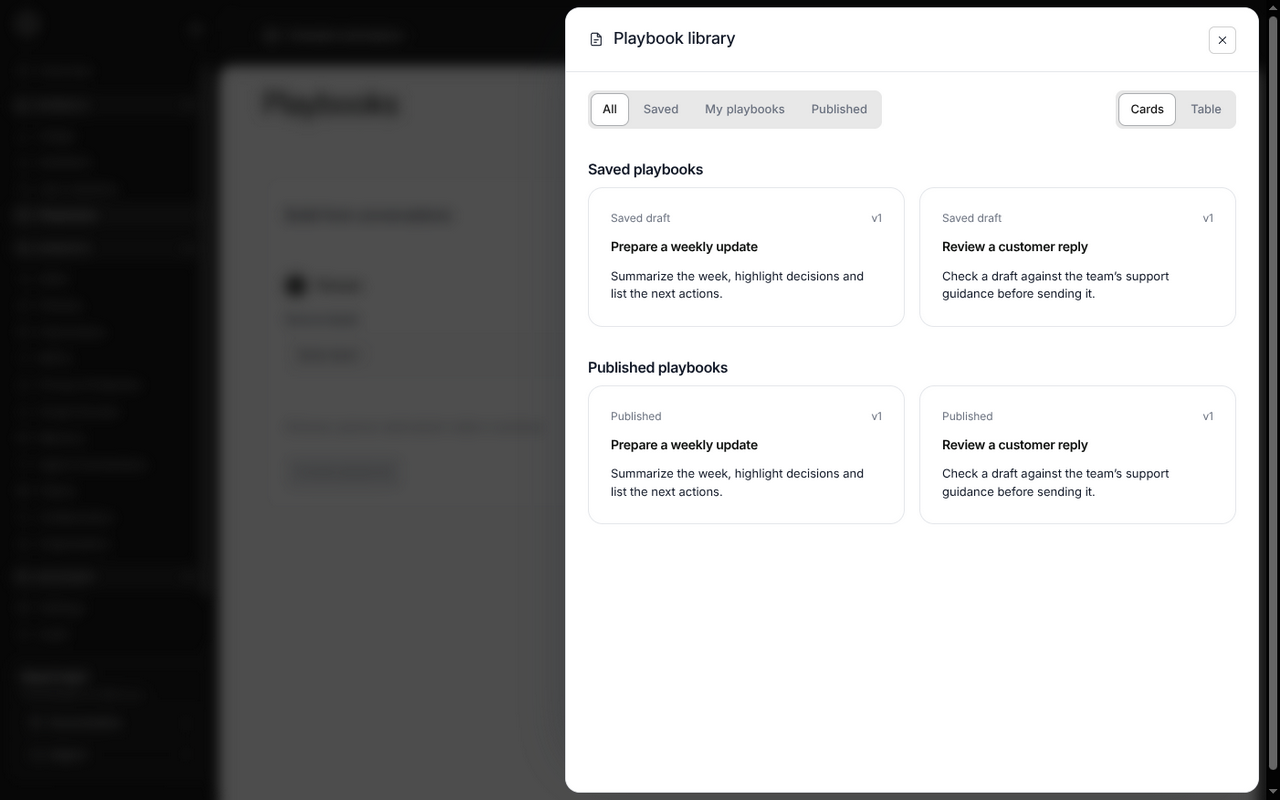
For playbooks, inspect the selected source chats and coverage notes. Capture gaps, expired records and unavailable current setup cannot be filled in just by selecting a chat. A draft with a single example or an unverified citation needs your review; it is not proof that the workflow works.
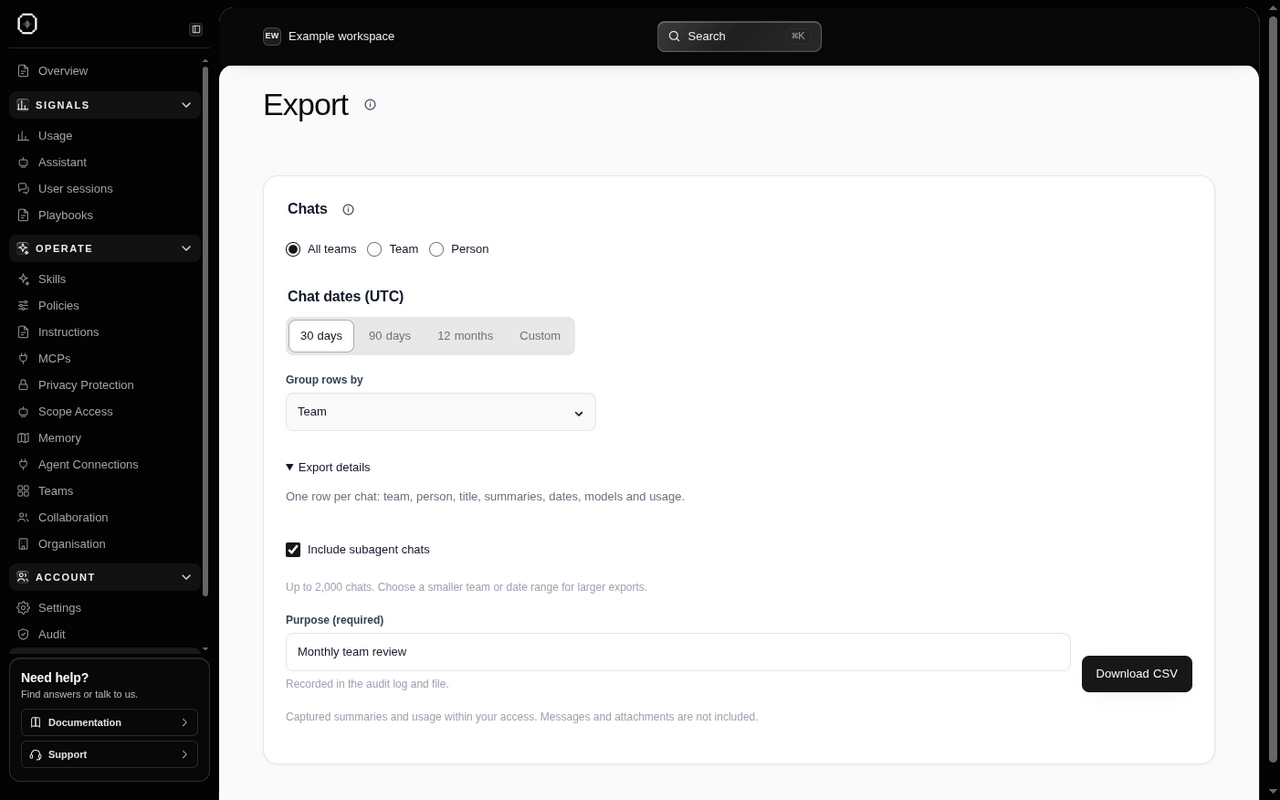
For exports, verify the workspace, scope and UTC date range. Not reported usage is missing data, not zero usage. Pending summaries can finish later. Narrow the date range or team if the export exceeds its size limit. See the export steps.
If you expected to edit a policy, instruction or allowed tool but see only search and viewing controls, you may be in the member’s read-only view. Ask an owner or admin to make the change.