
011. Create your account#
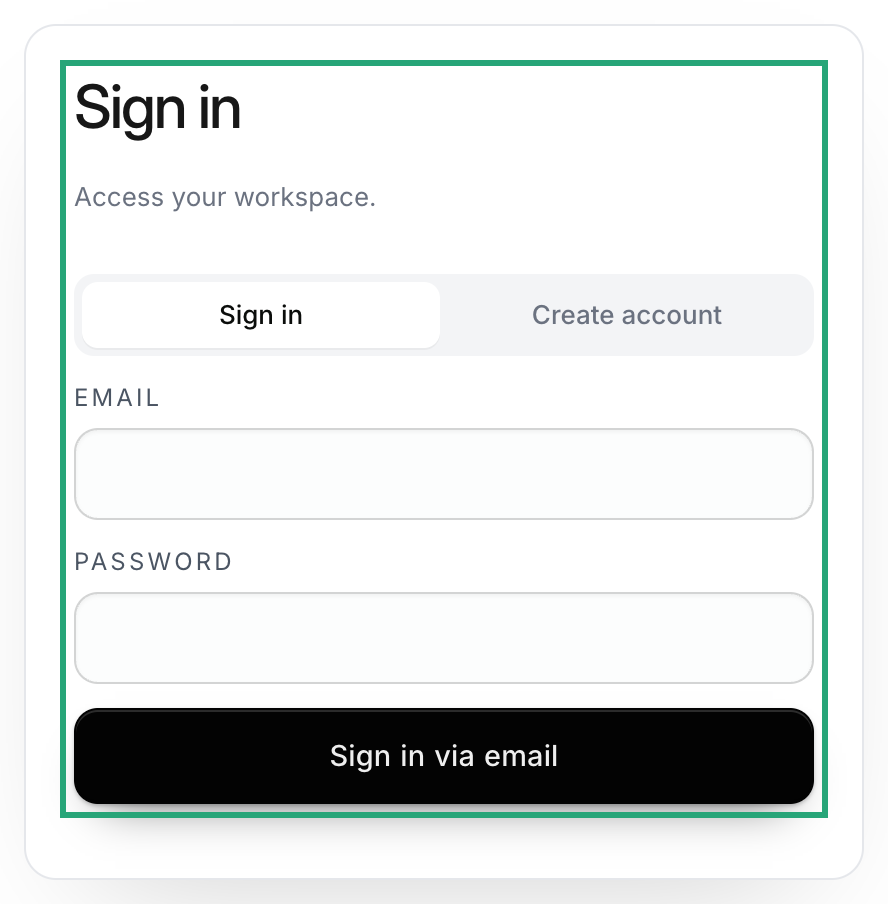
Open app.halofy.ai. Sign in or create an account using an available method. Verify your email if you register with email and password.
022. Choose how you’ll use Halofy#
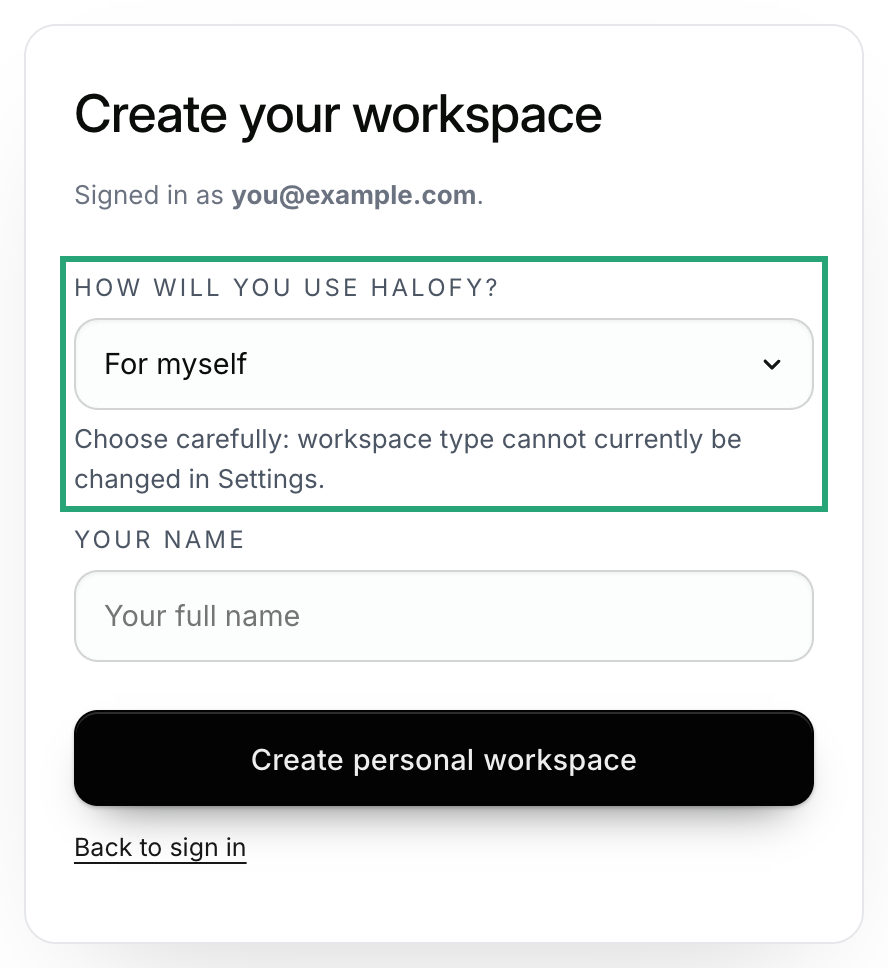
Choose For myself for a personal workspace or With my organization or team if you will invite others. You can’t currently change the workspace type in Settings.
033. Complete the setup checklist#
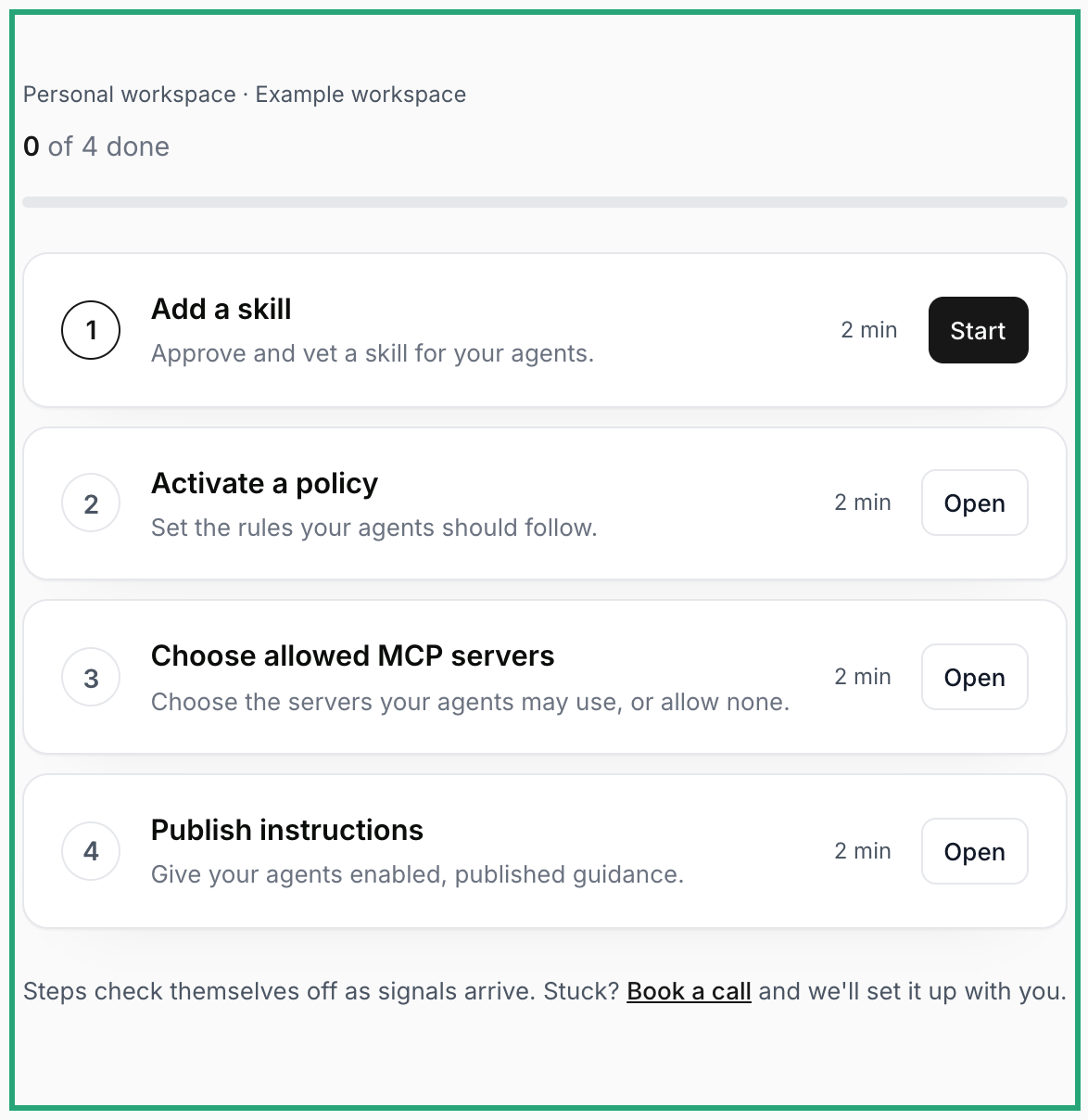
Add an approved, vetted skill; activate a policy; choose your allowed MCP servers (including none); and publish enabled instructions. Organization setup also asks you to choose a team. The checklist tracks progress and unlocks the Console when the required steps are complete.
044. Connect an agent#
Use Choose how to work to connect the AI Workstation or an external agent. Follow the connection guide and confirm activity is reaching your workspace.