
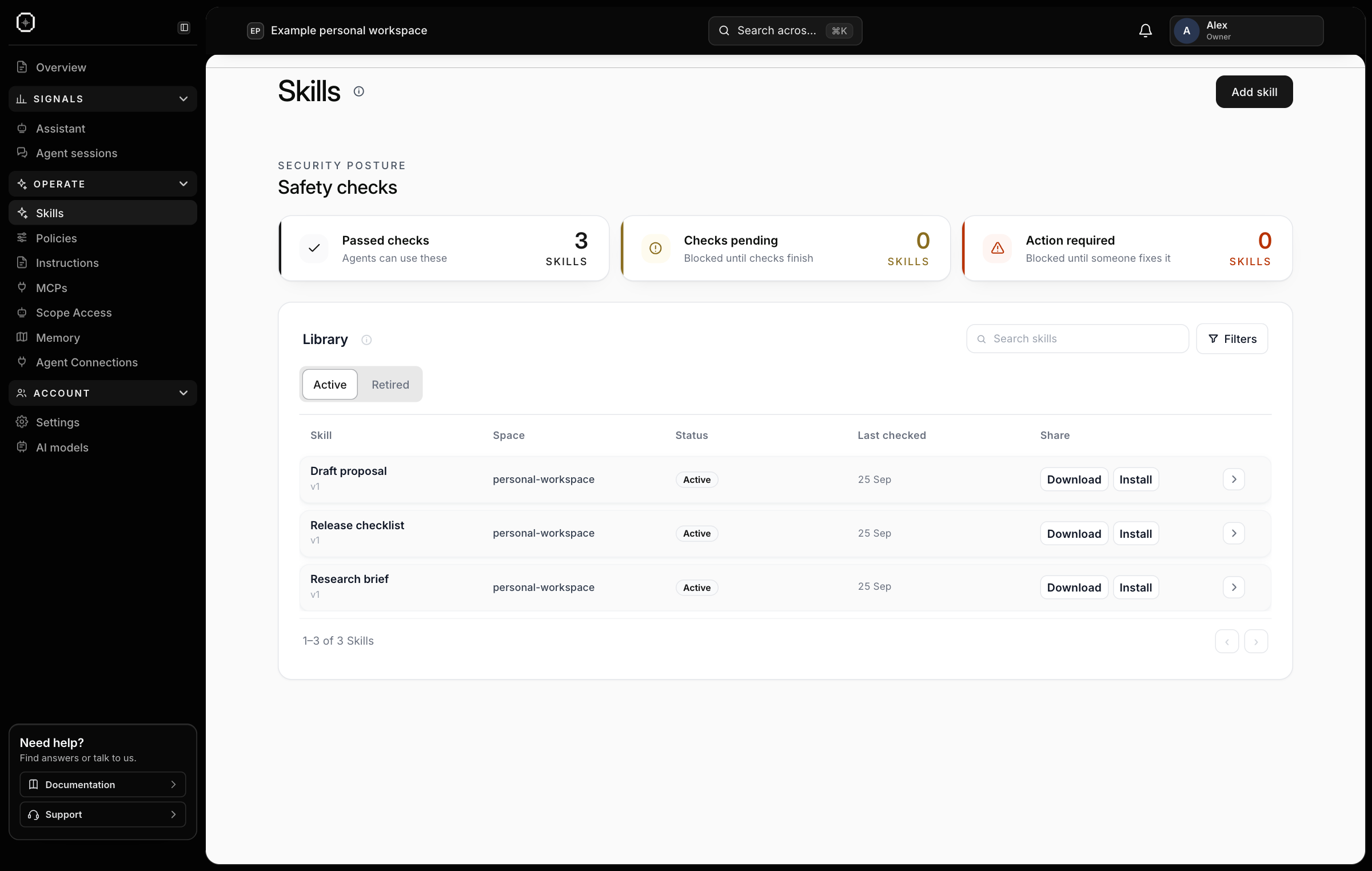
Skills give agents a repeatable method#
Use Skills for a specific job: preparing a research brief, drafting a proposal or checking a release. A skill packages the inputs, steps and expected result so another session can reuse a successful approach.
Add a skill from the library or submit your own. Review its checks and approval state, then assign it to the relevant scope. Connected agents can discover the assigned skills and use the ones relevant to the task.
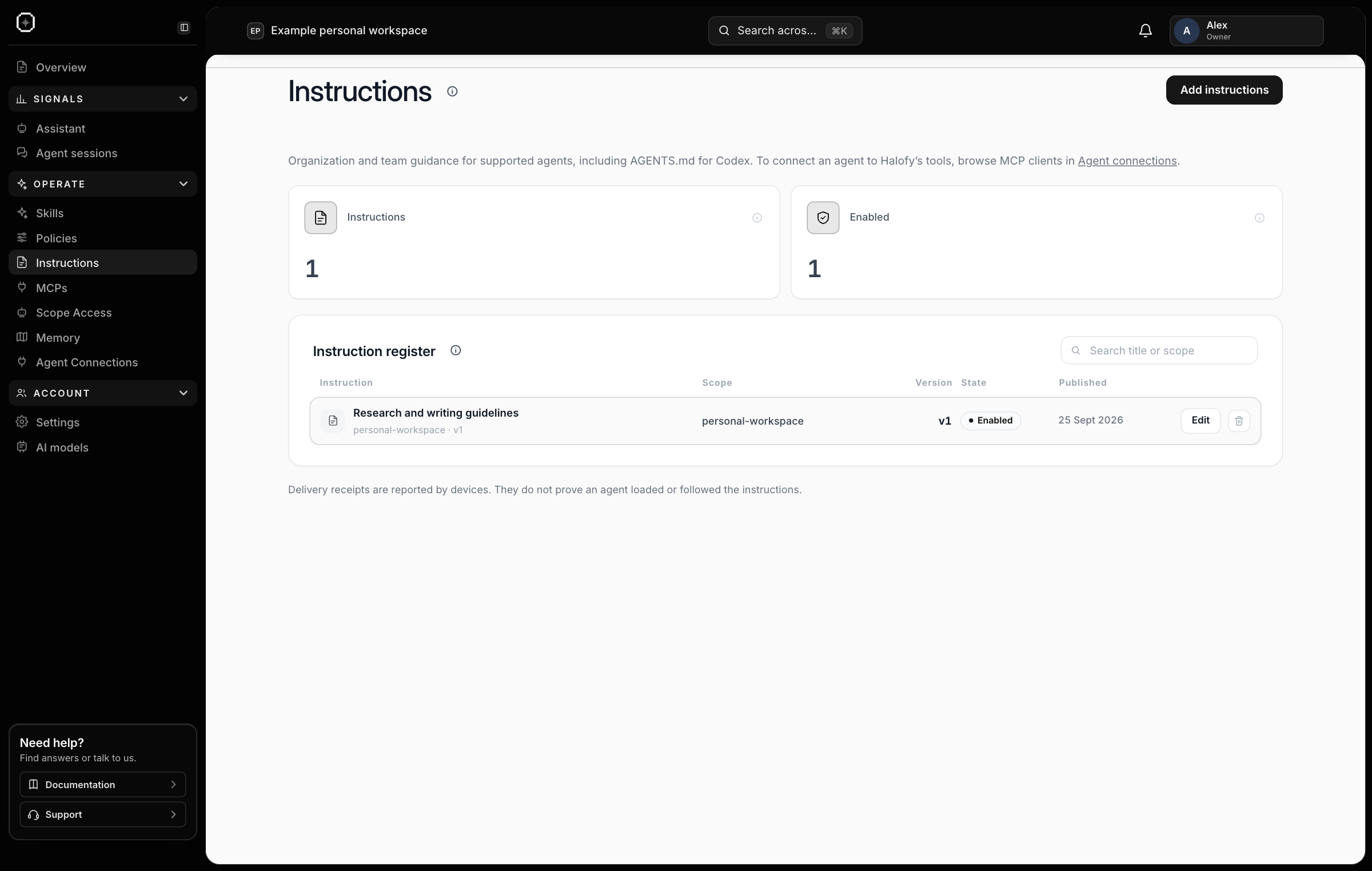
Instructions keep everyday expectations consistent#
Use Instructions for guidance that applies across tasks: your writing style, output format, project context or working conventions. Publish the enabled version in the appropriate scope.
Organization guidance can apply to child teams alongside their own instructions. This gives everyone a common baseline while keeping team-specific practices relevant.
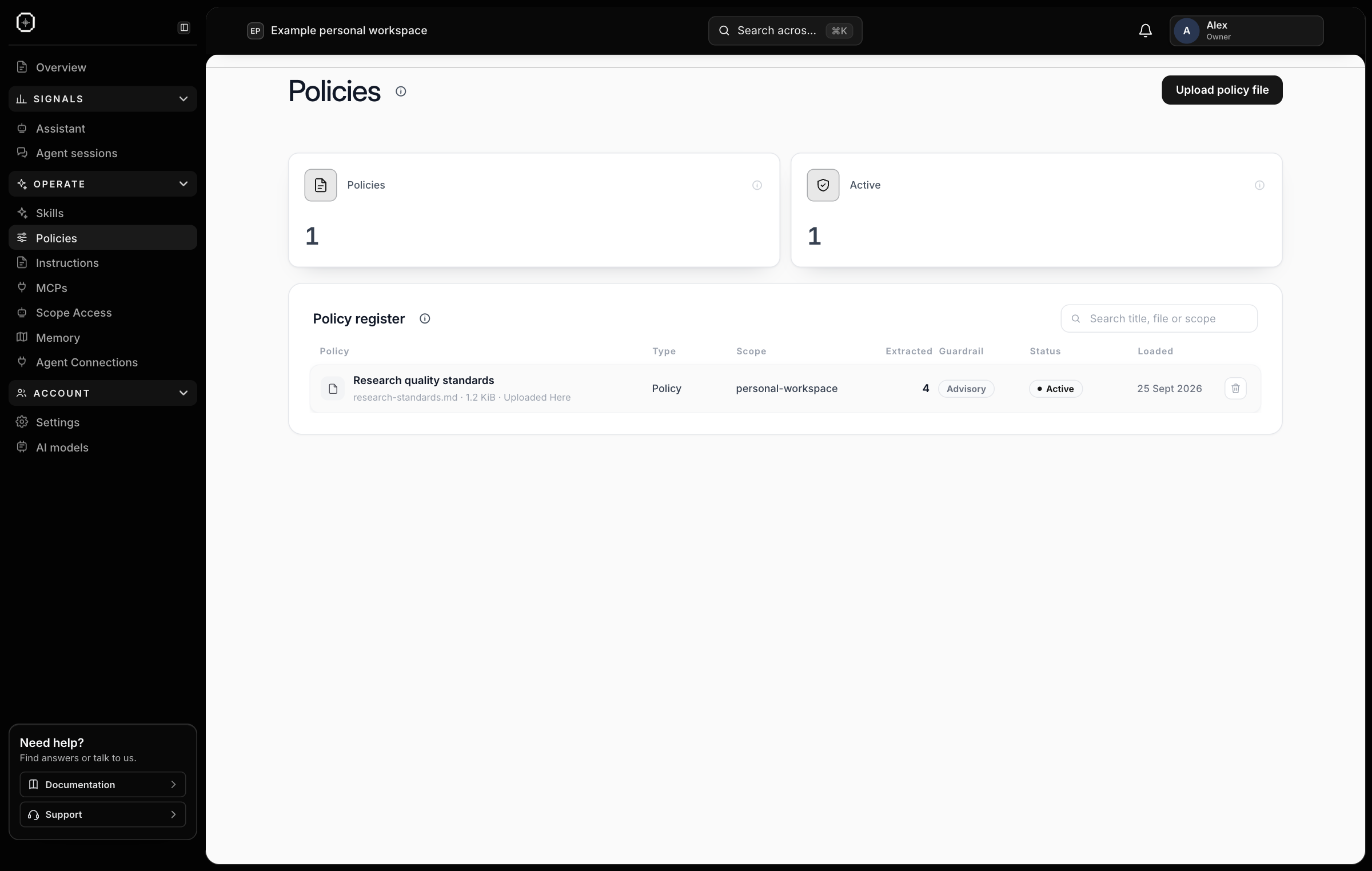
Policies define required rules and advisory guidance#
Use Policies for standards, procedures and rules agents should follow. Mark a policy Required when agents must follow it, or Advisory when it provides recommendations. Assign it to the scope where it applies.
Required policies are supplied as instructions to connected agents. This makes the rules consistent across providers; model compliance is not guaranteed, and delivery alone does not create a technical block on a provider’s tools or computer access.
MCPs define which tool servers agents may use#
Use MCPs to select approved external tool servers for your organization or team. A team can narrow the parent scope’s allowed list. Saving an empty list allows no MCP servers; leaving a scope unconfigured does not create its own list.
The allowed server identities are included in the configuration supplied to Workstation agents. Agents are instructed to use the approved servers and seek administrator approval for others. This policy does not install a server or connect an account; the provider still needs the relevant tool connection and credentials.
Use scoped badges to control which Halofy memory an agent can actually read or write. Together, shared guidance and scoped access let you reuse a way of working across agents while keeping each team’s context relevant.