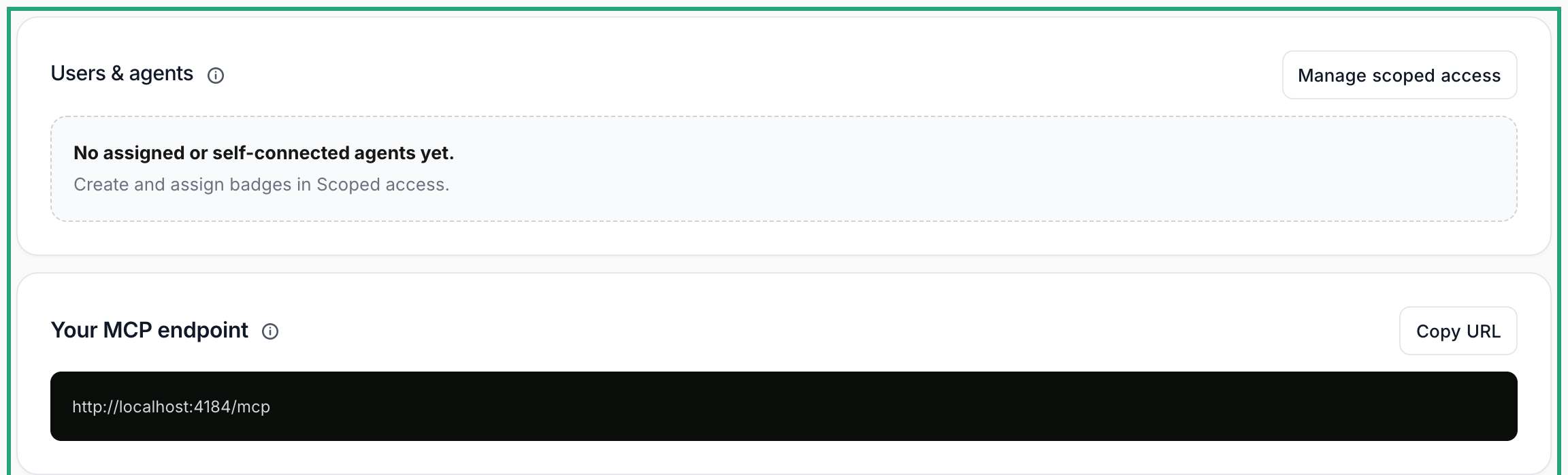
011. Choose your connection#
Open Agent Connections. AI Workstation uses your Halofy account; External agents provides the supported installation path. Memory-only clients can use memory tools but do not capture conversations.
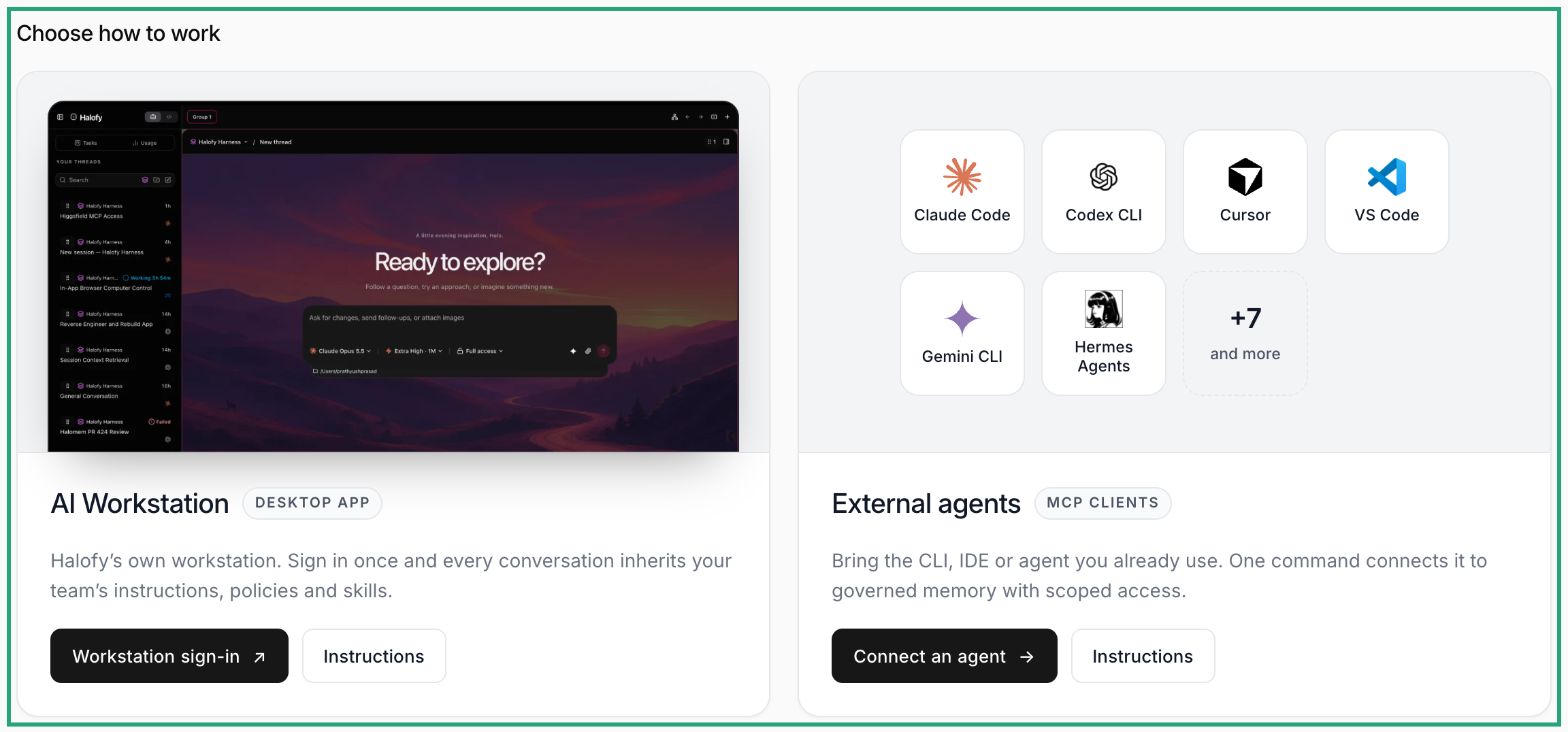
022. Connect the Workstation#
Follow Connect the Console in the Workstation. Use the same verified email as your Console account and choose your workspace.
032. Or connect an external agent#
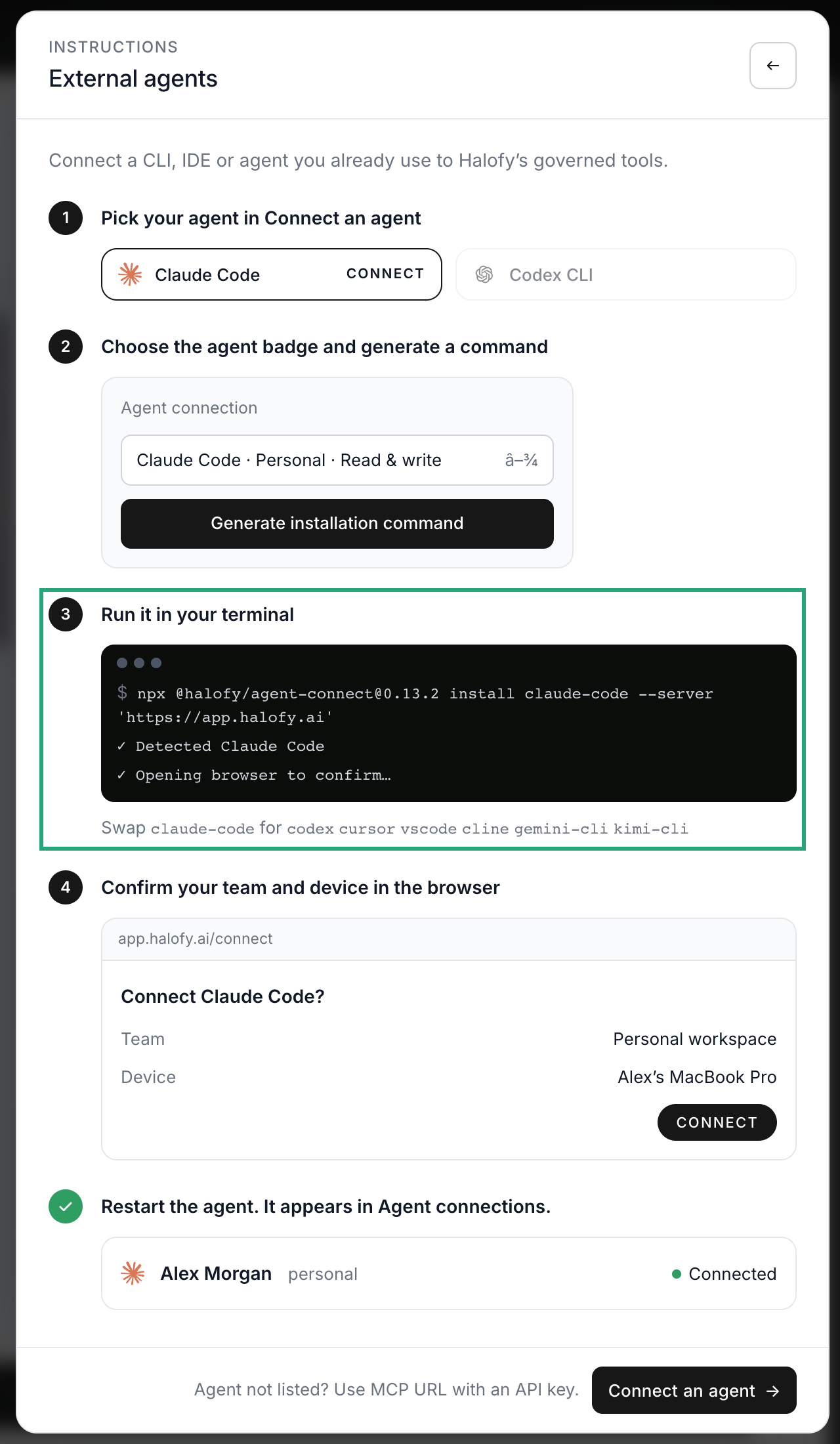
Open External agents → Instructions and copy the command. Run it in a normal terminal on the agent’s computer, with Node.js 22 or later. Follow browser sign-in, choose the team, review the capture details and confirm with CONNECT. Restart the agent after approving any requested hooks.
043. Confirm the connection#
Check the connection’s status and captured conversations after a new task. Coverage depends on the agent. A created badge or copied command alone does not establish that capture is working.