Give each agent a scoped badge#
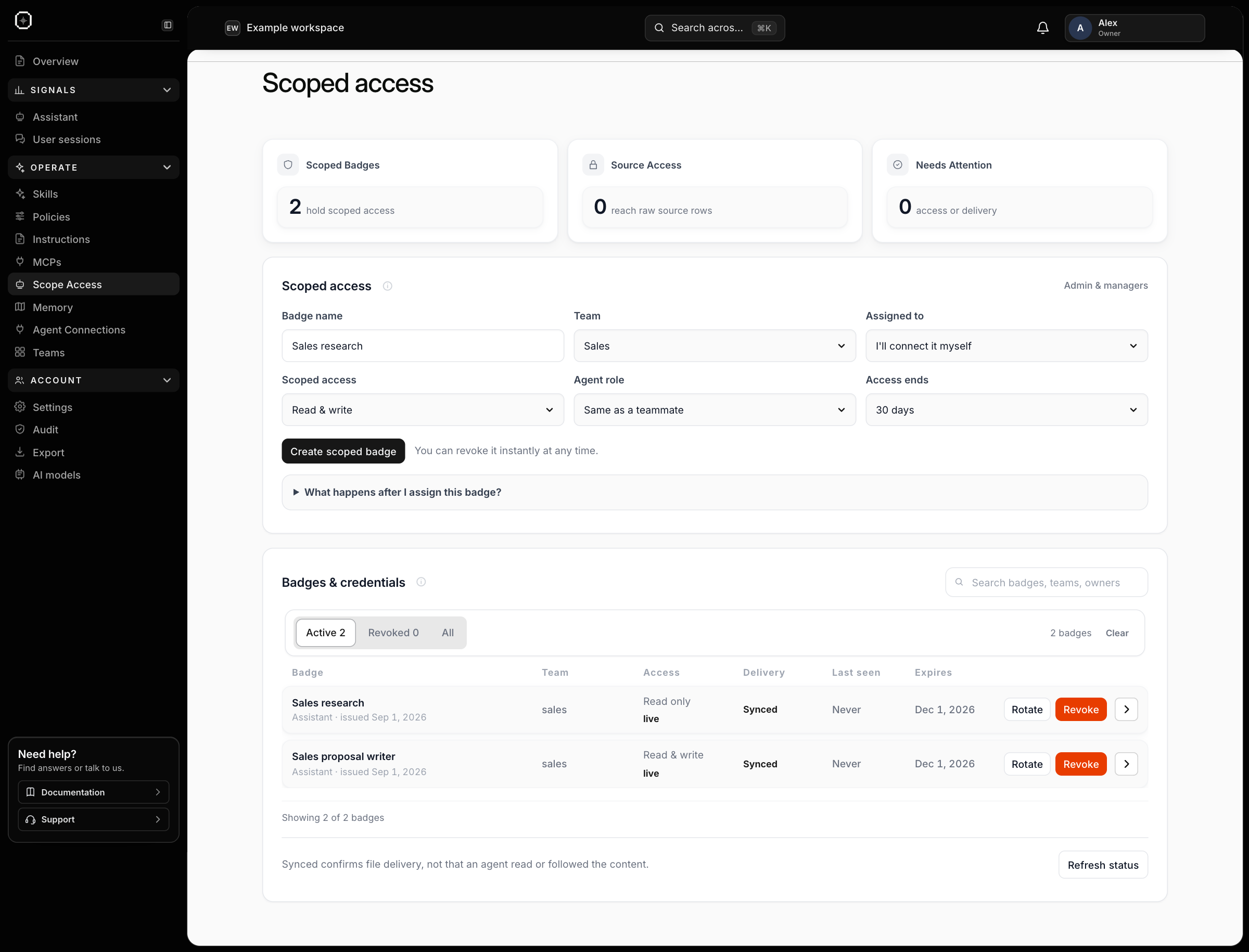
A scoped badge connects an agent to a particular team’s Halofy memory. In Scope Access, name the badge, select its team and choose Read only or Read & write. Set an expiry and assign it to yourself or a teammate.
For example, a research agent can read Sales context while a proposal agent can also save useful findings. Halofy checks the badge’s scope and permissions when serving memory requests, so the badge does not grant unrestricted access to other teams.
The badge list shows access, expiry and delivery status. Open a badge to inspect it, rotate its credential when needed or revoke it to end access. Assigned teammates accept their badge through Agent Connections before connecting their agent.