
01For yourself#
A personal workspace gives you your own skills, policies, memory, connections and session signals. You manage it as its owner. It does not include organization team management, Audit or Export.
02With a team#
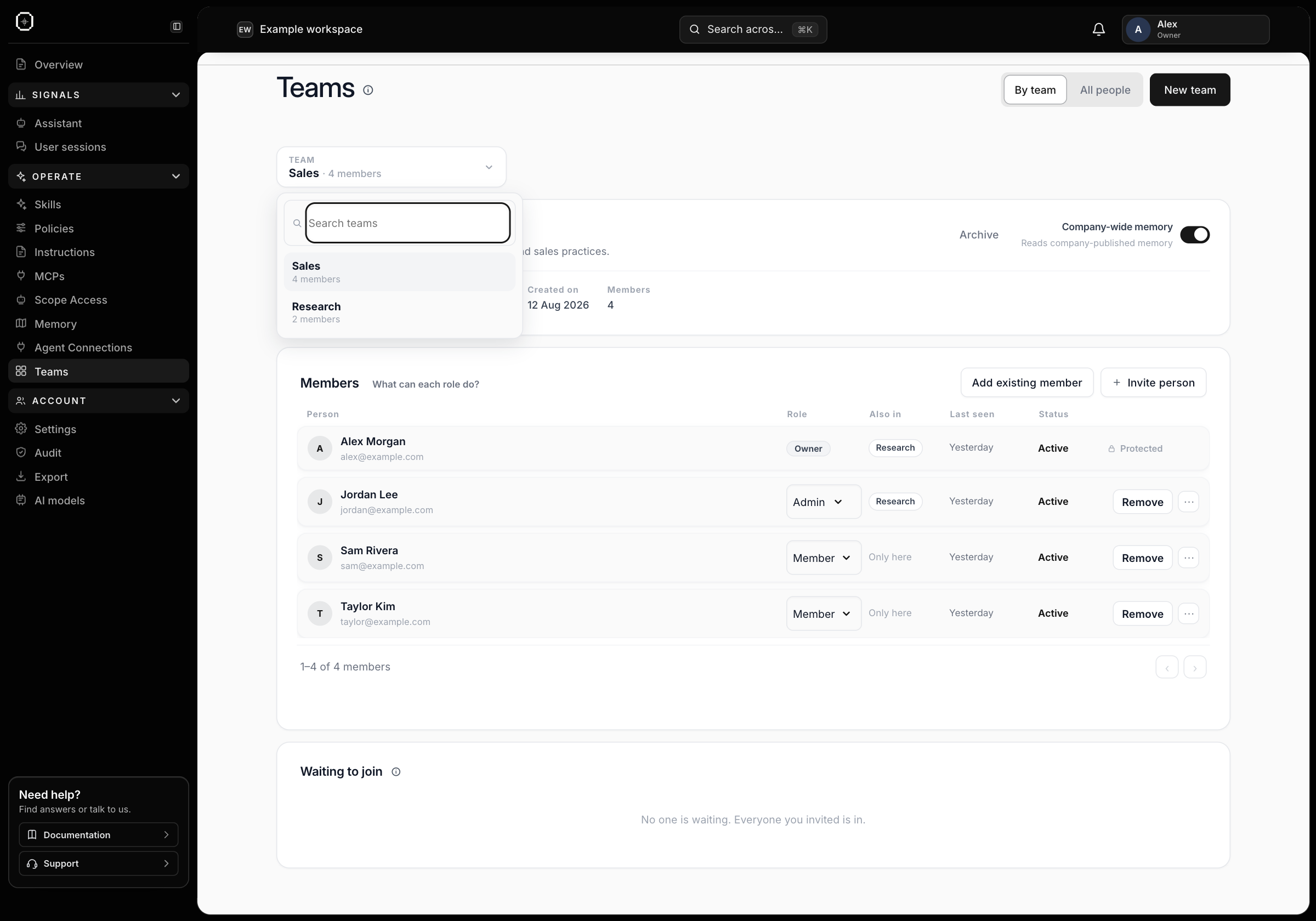
An organization workspace lets you group people into teams and assign the guidance and access relevant to their work. Share approved practices without giving every agent access to every team’s context.
03Keep responsibilities clear#
- Owners manage the organization and its overall access.
- Admins manage the teams and settings their role allows.
- Members use assigned skills and connections and review their own captured work.
- Audit access provides a separate read-oriented view; it does not grant management rights.
04A team defines shared context#
A team groups people, agent badges and the memory and guidance relevant to their work. An organization can keep research, sales and engineering contexts separate while publishing selected practices at a shared parent scope.
The team’s address is the stable scope identifier; renaming the team changes its label rather than moving its stored context. Where company-wide memory is enabled for a team, it grants access to company-published memory, not another team’s private sources or tools.