
01Bring your computers into one workspace#
Connect a laptop, desktop or other host to Halofy, then open its projects and sessions from your current client. You can send messages, follow progress and respond to agent requests on the computer that owns the session.
A session running on your desktop can keep working while you manage it from your laptop. You do not need to move the project or restart the conversation to continue directing that work.
02Connect a host, then open its sessions#
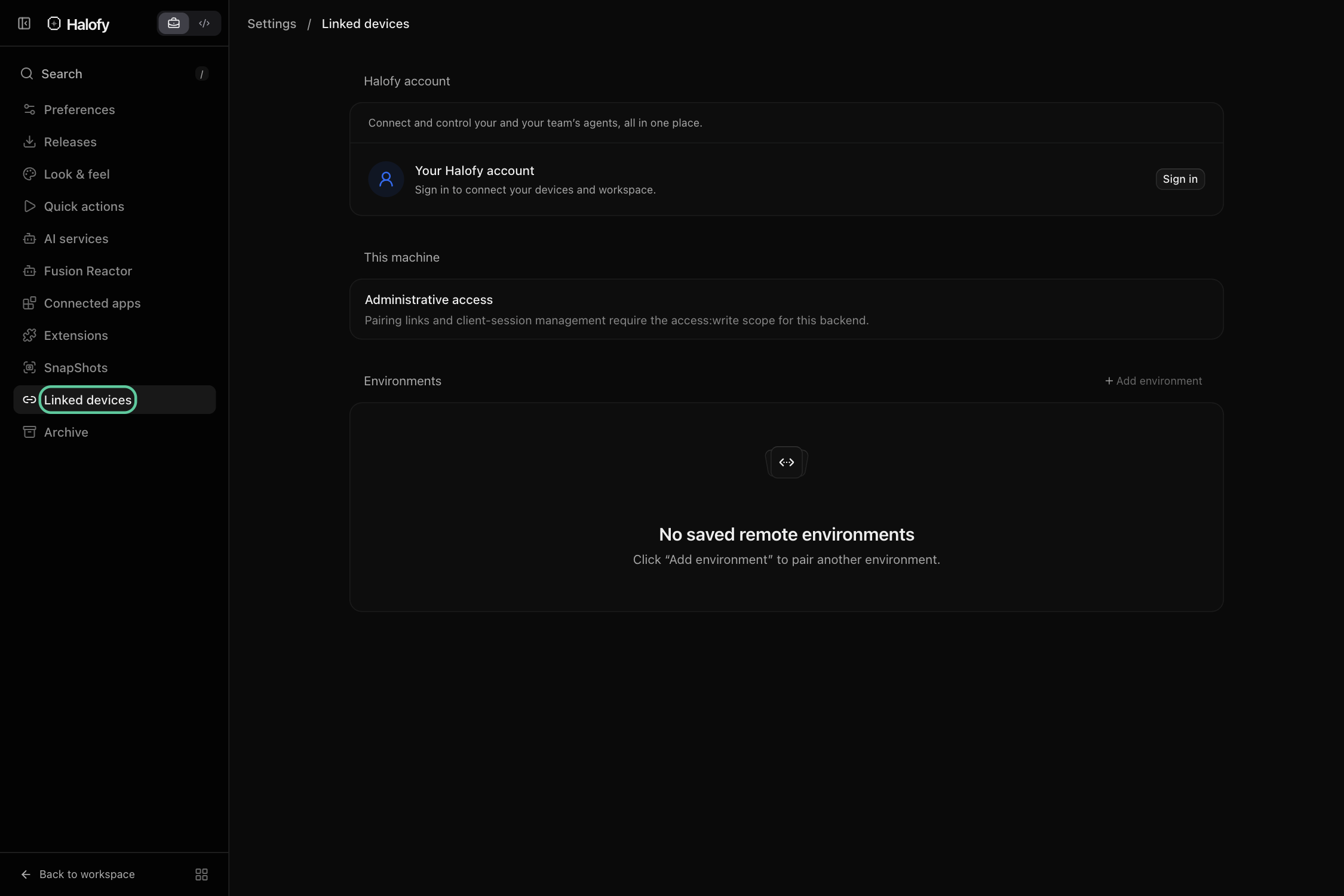
Use Settings → Linked devices to connect your computers. Halofy account connections discover your signed-in computers; a pairing link connects a specific environment. Keep Halofy running and the host awake.
Choose the device and project from the sidebar to open its sessions. In web and desktop, sessions from different connected hosts can sit in the same split-view workspace. Native mobile can also view and control paired hosts.
03Keep work moving across machines#
Use each host’s local files, tools and provider accounts while managing the sessions together. A long-running task can stay on one computer while another handles a separate project.
Commands and files remain on the host that runs the session. Connected access does not copy the filesystem. For agents to share session context between hosts, keep a web or desktop client connected to both with their sessions open in split view.