
01Choose the agents you already use#
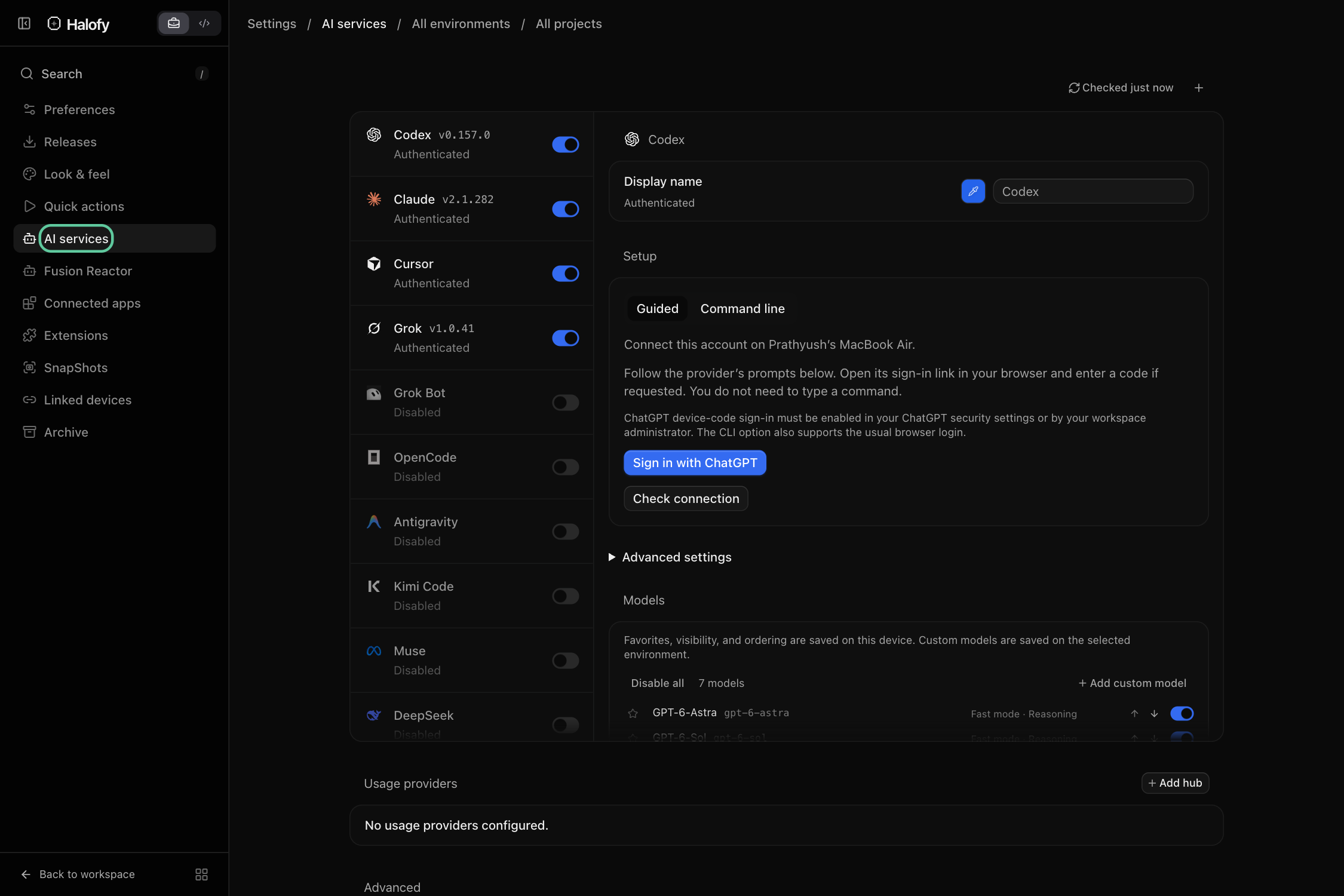
Halofy supports Claude, Codex, Cursor, Grok, Grok Bot, OpenCode, Antigravity, Kimi Code, Muse, DeepSeek and Hermes. OpenRouter is available as a named account powered by OpenCode. Some integrations are marked Early Access or Beta in the app.
02Connect once, choose per session#
Open Settings → AI services on the host where your work will run. Enable the provider, complete its setup, and choose its account and model in the session’s model picker. Multiple accounts can keep work and personal usage separate.
Your provider account supplies the model access and billing. Available models, context options and usage allowances depend on that account and provider.
03Choose by the work in front of you#
Use one provider for a research session and another for implementation, or combine connected models in a Fusion agent team. Cross-session context lets their work inform one another.
You can use different strengths and subscriptions while keeping the projects, sessions and supporting tools in one place.