01Start with the work you want to do#
Use the AI Workstation to run agents and produce useful work. Add the Console when you want reusable context, guidance and power-user signals. You can start with either app.
02Bring the apps together#
Connect the Console to your Workstation to bring skills and guidance into new sessions. Choose whether to share activity back to the Console.
Try an everyday task, then reuse what worked#
You can start with writing, research or a spreadsheet. For example: “Turn these meeting notes into a one-page customer handover. List decisions, open questions and next steps. Give me a file I can review.” Attach the relevant material, answer any missing-input questions and inspect the delivered file.
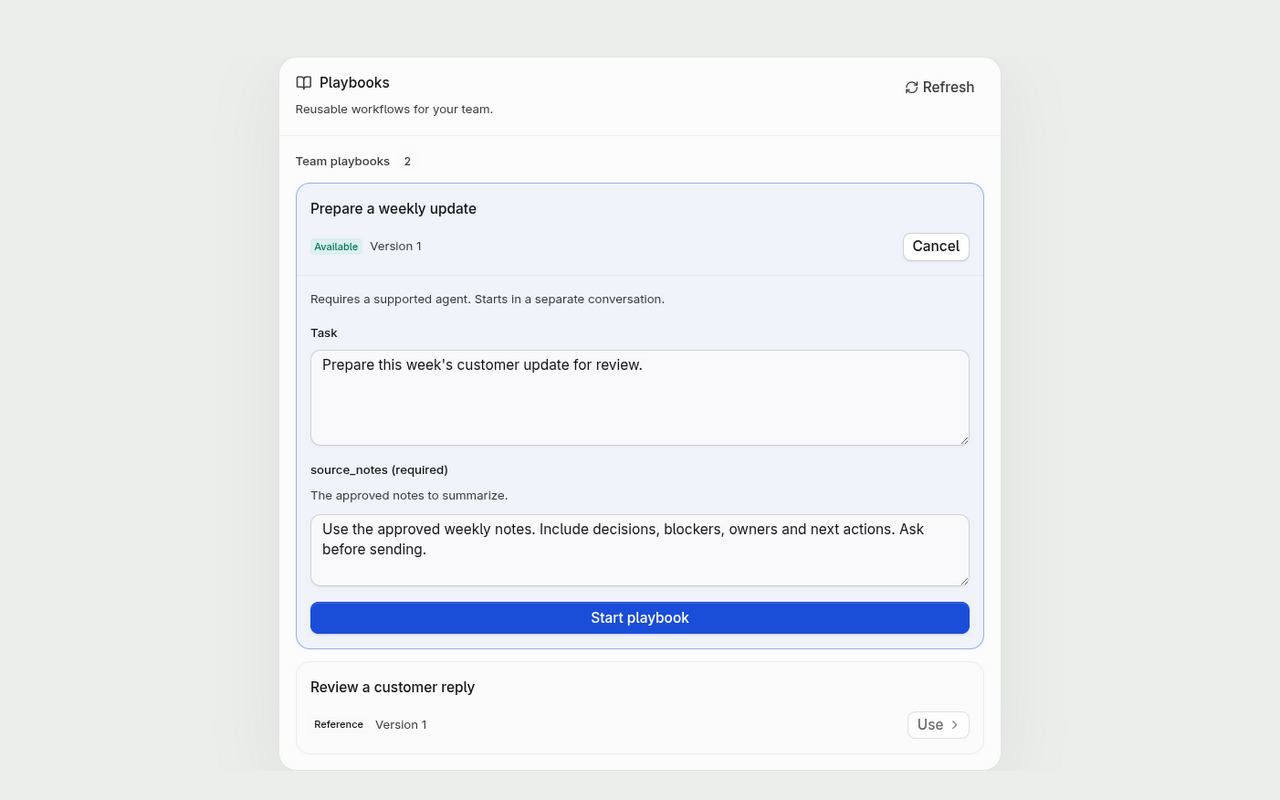
When you have a method worth repeating, ask for an assigned playbook or create a draft from captured chats in the Console. Agree on the output and checks before adding more agents or tools.
Before connecting a team computer, read what connecting shares: new chats, current-month usage, supported plan details and setup for playbooks. Giving teammates live device access is a separate manager-controlled choice.